ScienceEcosystems
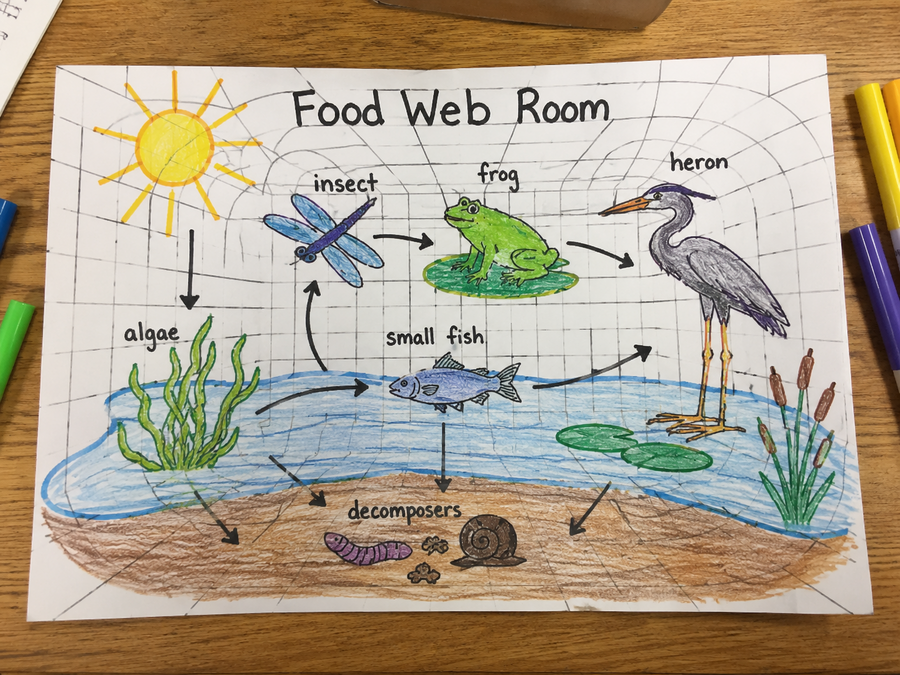
Food web room
Use arrows, labels, and drawings to show producers, consumers, decomposers, and energy flow.
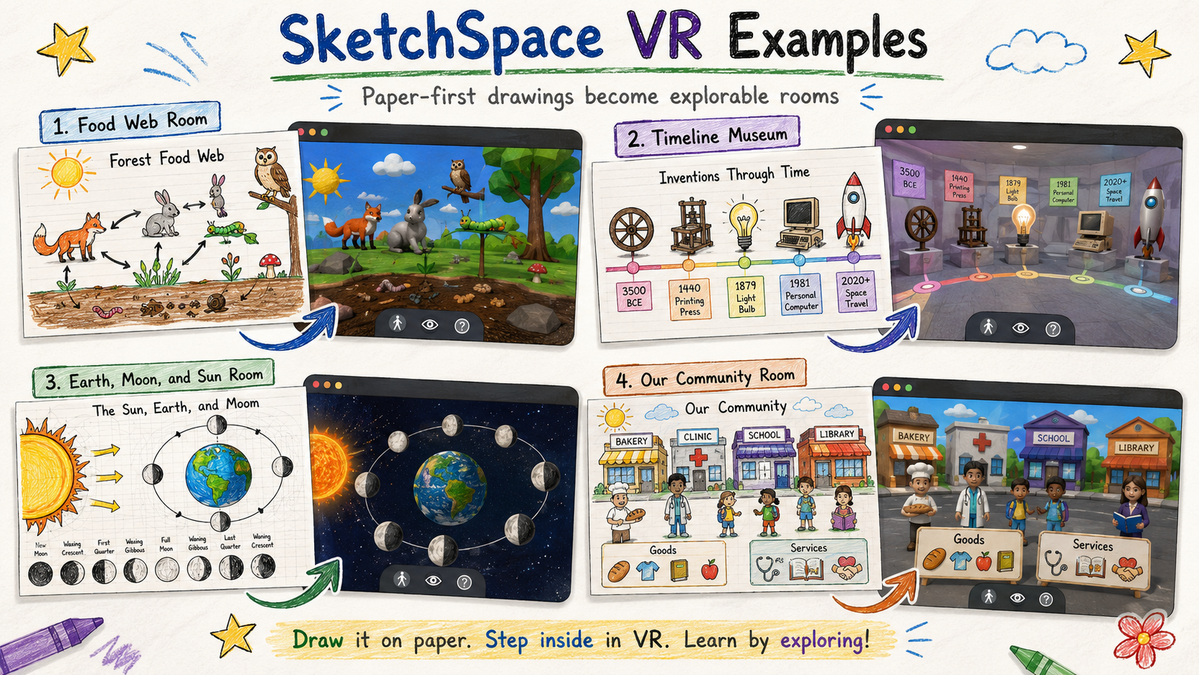
See how paper sketches, classroom diagrams, and student-made models can become explorable virtual rooms.
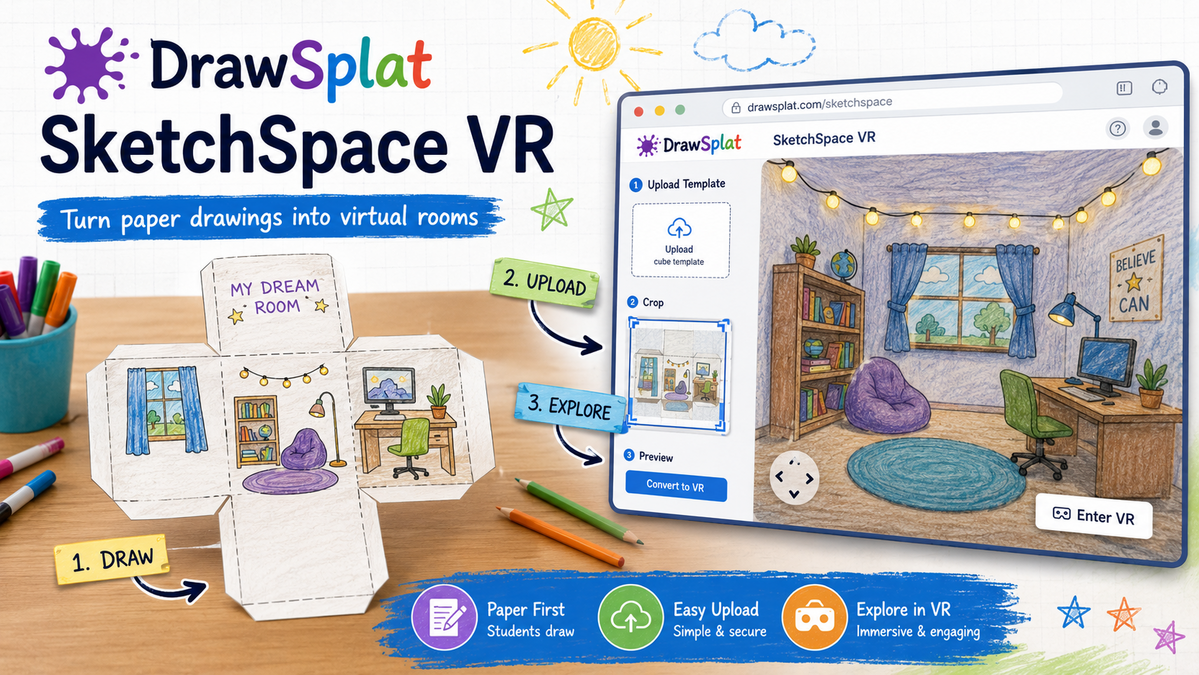
SketchSpace VR is built for quick classroom play: students sketch a room, photograph the page, and explore the result in the browser.
These examples show how a flat worksheet can become a space for explanation, modeling, storytelling, and review.
Use arrows, labels, and drawings to show producers, consumers, decomposers, and energy flow.
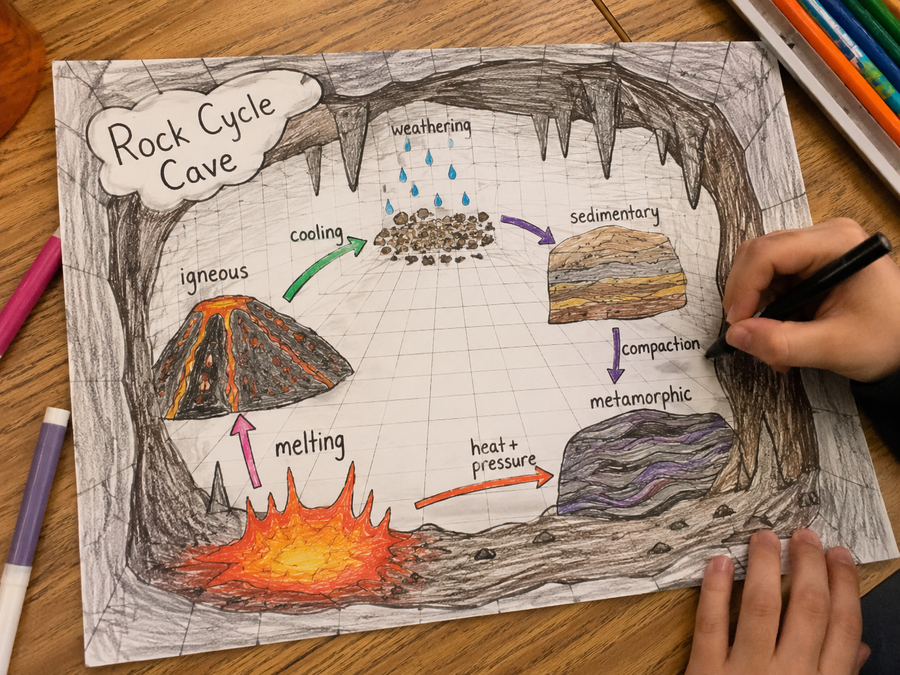
Turn a process into a room by placing each change, force, or rock type on a different surface.
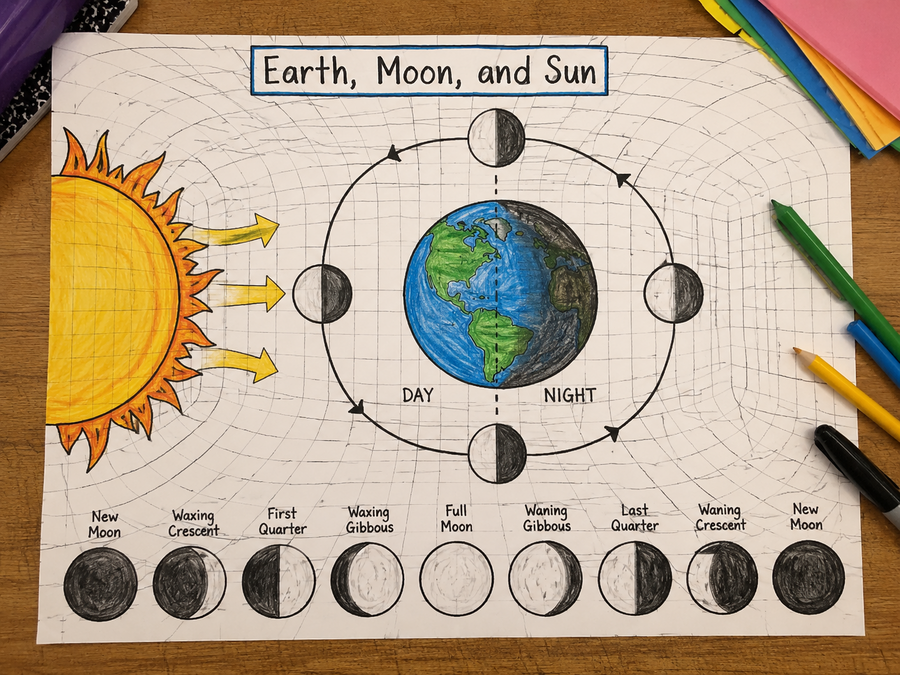
Model orbit, rotation, light, shadow, seasons, phases, or vocabulary in a visual room.
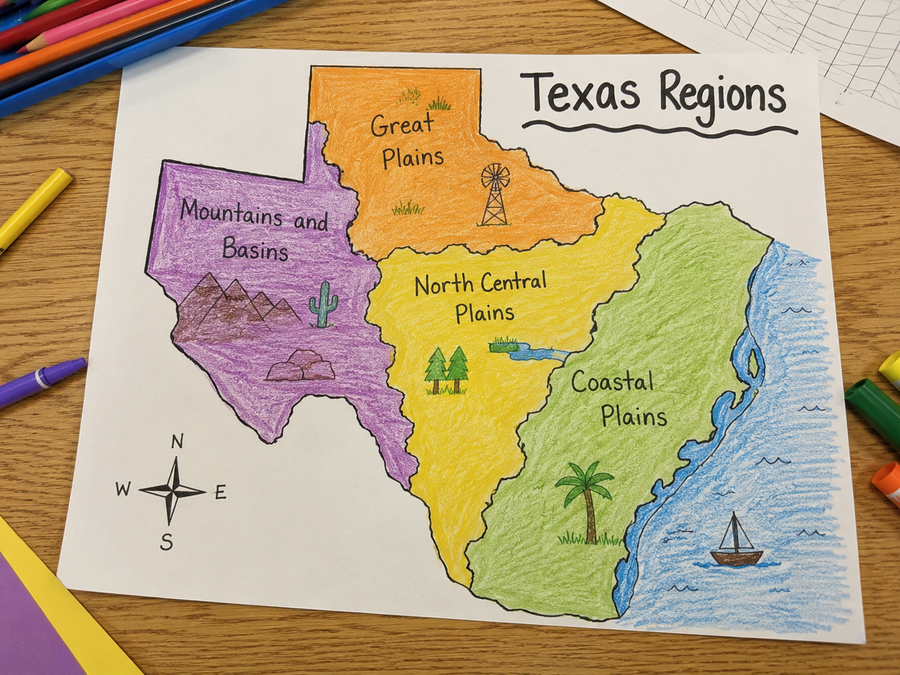
Compare regions, landforms, cities, natural resources, climate, and human features.
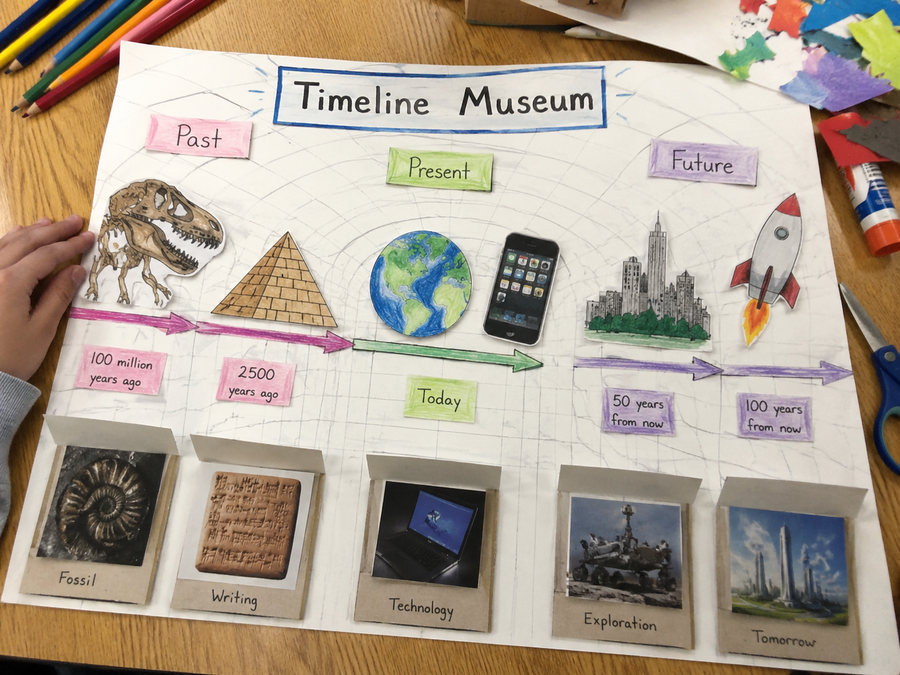
Create a walkable museum where each panel explains a date, person, cause, or impact.
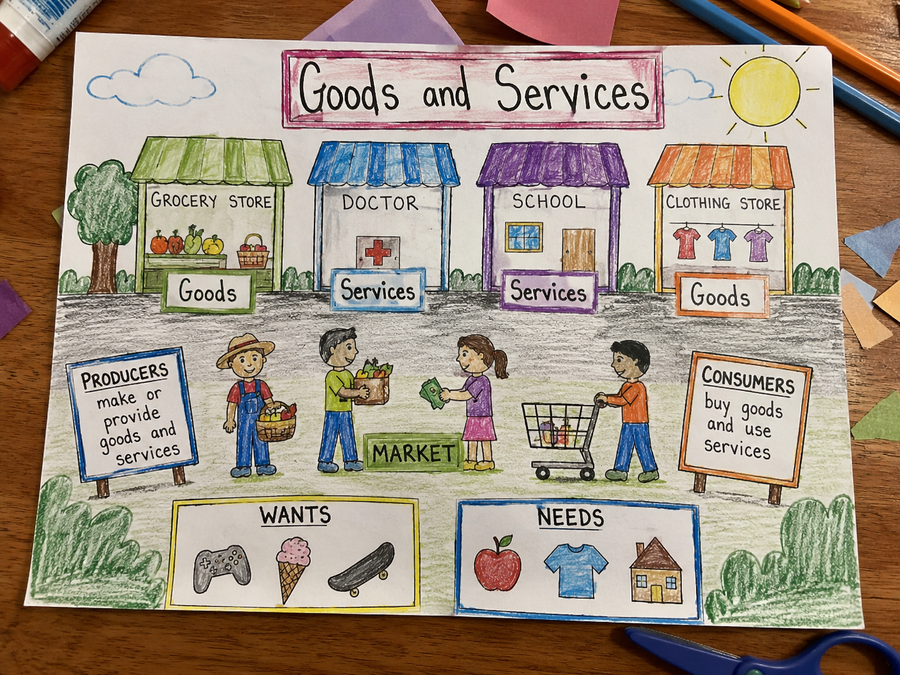
Show producers, consumers, wants, needs, goods, services, and market choices in one scene.
Print the student template, sketch one room idea, then upload it into SketchSpace VR. The first version should be simple: large drawings, short labels, and one clear idea per panel.