Canvas editor
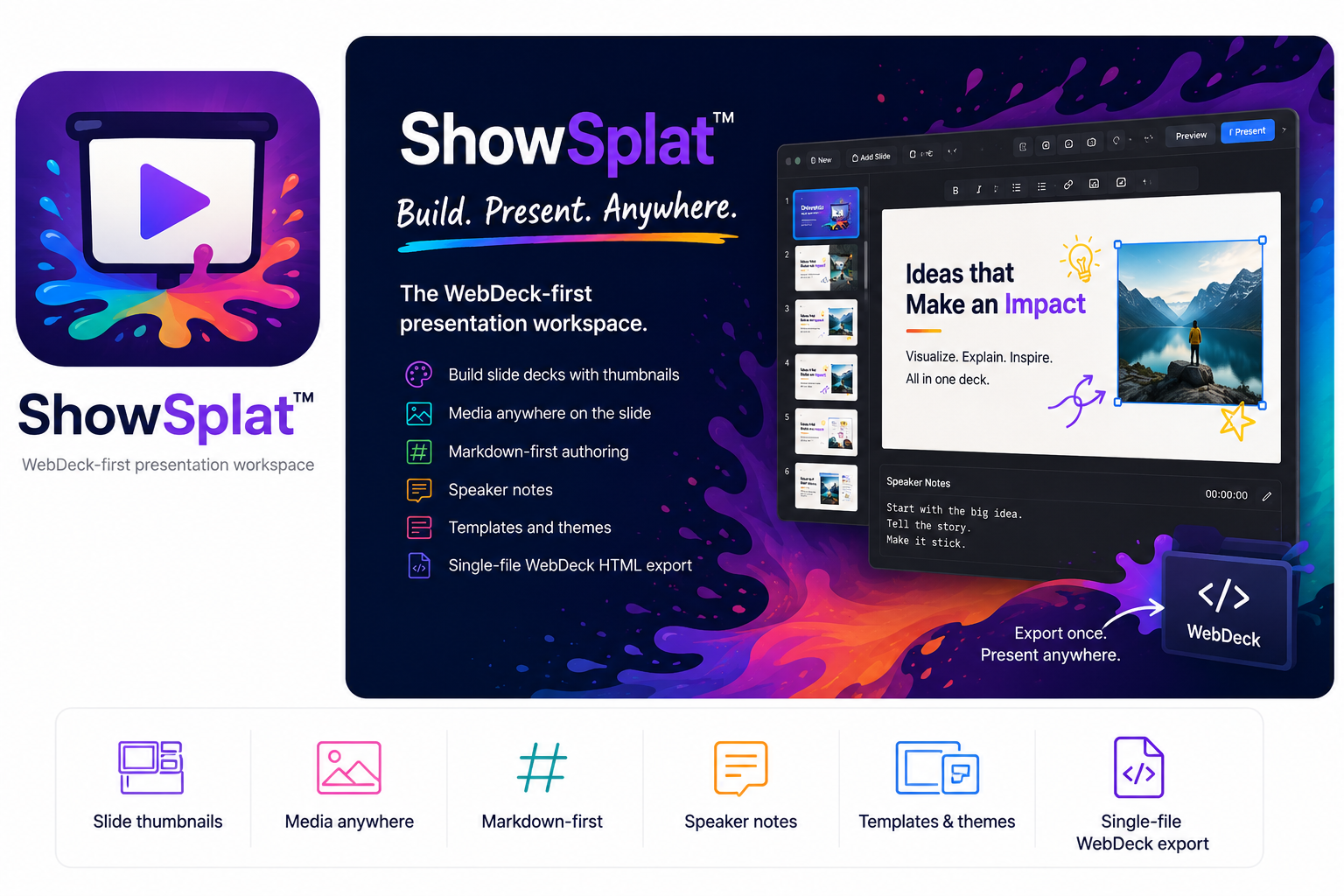
Use a slide thumbnail rail, central 16:9 canvas, notes panel, menus, toolbar icons, templates, themes, draggable/resizable slide objects, zoom slider, bullet toggle, and selected-box font controls.
 DrawSplatTM
Launch ShowSplat™
DrawSplatTM
Launch ShowSplat™
SplatWorks™
Build slide decks with thumbnails, a central canvas, editable text and media, Markdown-first authoring, speaker notes, templates, themes, WebDeck HTML, PDF, ODP, and PowerPoint workflows.
Current workspace
ShowSplat keeps WebDeck HTML and Markdown as the cleanest editable paths, while adding first-pass PDF, ODP, and PPTX compatibility for moving existing decks in and out of the browser.
Use a slide thumbnail rail, central 16:9 canvas, notes panel, menus, toolbar icons, templates, themes, draggable/resizable slide objects, zoom slider, bullet toggle, and selected-box font controls.
Insert text, bullet lists, tables, hyperlinks, PNG/JPG/GIF/SVG images, YouTube videos, MP4/WebM video, and audio.
Import WebDeck HTML, Markdown, PDF, ODP, and PPTX. WebDeck and Markdown stay editable; PDF imports as image slides; ODP/PPTX are best-effort editable conversions.
Export WebDeck HTML with notes, navigation, fullscreen, and optional password prompt, plus Markdown, ODP, PPTX, and browser Save-as-PDF output.
Presenter navigation auto-hides after a few seconds and returns on hover. Speaker notes can pop out into a movable window for another display.
The next pass targets stronger PPTX/ODP rendering, editable PDF text extraction, large-deck storage, direct PDF output, table-cell editing, and fixture-based import tests.