Reference
DrawSplatTM Project Reference
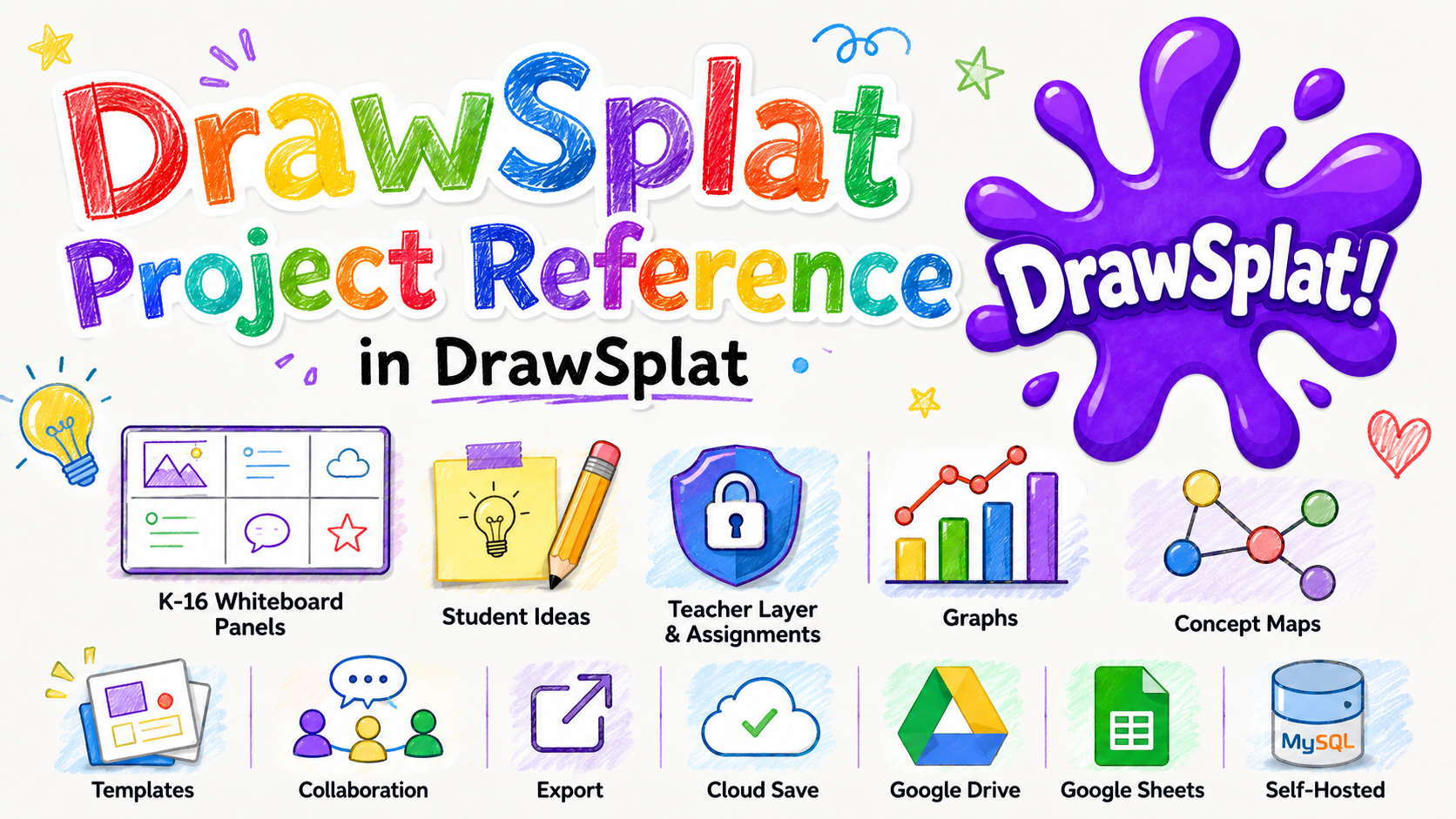
DrawSplatTM is a self-contained interactive whiteboard for K-16 educators and students. It runs as a static website and can optionally save boards, templates, collaboration rooms, and turn-ins to Google Drive and Google Sheets.
Current Build
DrawSplatTM v3.0 includes admin, privacy, pricing, and self-hosted storage foundations.
Core Features
- Simple and Advanced interface modes for different classroom workflows.
- Multiple panels/pages for stations, lesson steps, group work, and collaborative activities.
- Drawing, shape, text, sticky note, image, connector, comment, audio note, and template tools.
- Panel backgrounds, locked teacher layers, assignment mode, student mode, and answer-key controls.
- Graph makers, concept maps, dot pictures, coloring assets, word clouds, GIF creation, and Mermaid diagrams.
- Local save/load, PNG/PDF export, restore points, reusable templates, and optional cloud collaboration.
Public Pages
- Home for the public DrawSplatTM landing page.
- Features for the feature overview.
- Background Templates for classroom-ready panel backgrounds.
- Pricing for free and commercial-license information.
- Terms and Privacy for student privacy and policy details.
- Teacher Admin for Google integration and classroom link setup.
Storage Modes
- Browser-only storage: local autosave in the current browser.
- Google Apps Script + Drive: cross-device classroom saving, cloud rooms, templates, and turn-ins.
- MariaDB / MySQL backend: private account-owned online Save/Open on Railway, DigitalOcean, or an existing MySQL server. District classrooms support roster-linked assignments, student submissions, and teacher feedback; Apps Script shared-room sync remains separate. See the MySQL setup guide.
- Standalone server folder: planned backend mode for self-hosted deployments with an API endpoint.
Hosting
DrawSplatTM can be hosted on GitHub Pages, Cloudflare Pages, a district or campus web server, or any simple static file host that serves HTML, CSS, and JavaScript.
Helpful Shortcuts
- Shift + click: multi-select.
- Drag on blank canvas: marquee select.
- Ctrl/Cmd + C: copy selection.
- Ctrl/Cmd + V: paste selection.
- Ctrl/Cmd + D: duplicate selection.
- Ctrl/Cmd + G: group selection.
- Ctrl/Cmd + Shift + G: ungroup selection.
- Ctrl/Cmd + Z: undo.
- Ctrl/Cmd + Shift + Z: redo.
- Double-click a shape: edit text directly inside the object.