Who fills it out?
The person responsible for the local DrawSplatTM deployment should complete it. That may be a teacher, campus technology lead, district IT staff member, privacy officer, or organization administrator.
 SplatWorks Wiki
Privacy Notice Builder
Use the wiki’s compliance and district review reference to match this document to your actual installation. Apps Script console controls apply to Drive/Sheets workflows; they do not automatically administer district MariaDB/MySQL private boards, rosters, assignments, submissions, or feedback. Templates and review packets do not establish a signed NDPA/DPA or certify legal compliance.
Fill in the local contact, storage mode, retention schedule, and consent basis for a school or organization deployment. The form generates a Markdown file in the browser; it does not send the information to DrawSplatTM.
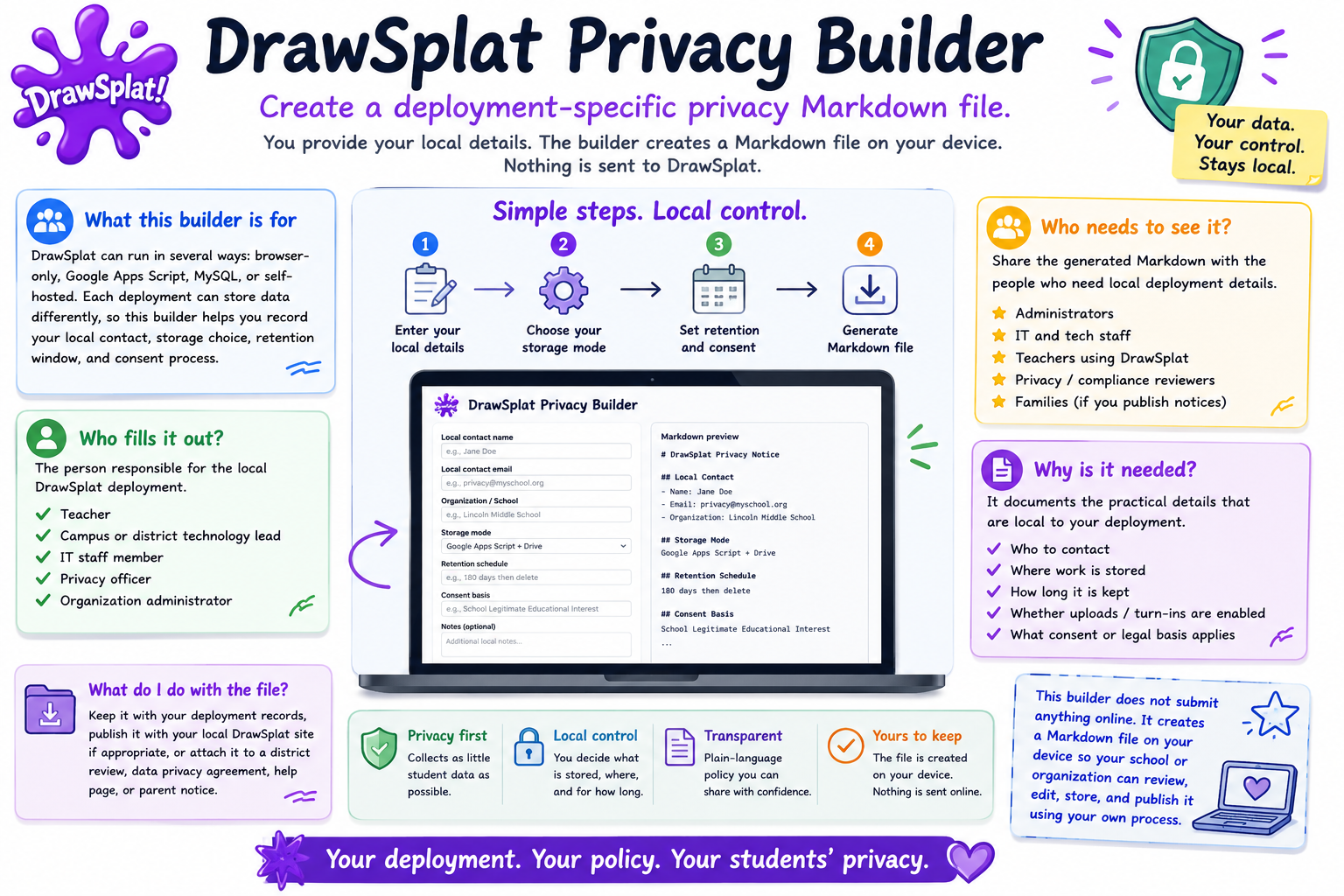
DrawSplatTM can run in several different ways: only in the browser, connected to a teacher's Google Apps Script, connected to MySQL, or hosted by a school or organization. Because each deployment can store data differently, one public privacy policy cannot know every school's contact person, storage choice, retention window, or consent process.
The person responsible for the local DrawSplatTM deployment should complete it. That may be a teacher, campus technology lead, district IT staff member, privacy officer, or organization administrator.
Share the generated Markdown with the people who need local deployment details: administrators, IT, teachers using DrawSplatTM, privacy/compliance reviewers, and families if your school publishes classroom technology notices.
It documents the practical details that are local to your deployment, including who to contact, where work is stored, how long it is kept, whether uploads or turn-ins are enabled, and what school consent or legal basis applies.
Keep it with your deployment records, publish it beside your local DrawSplatTM site if appropriate, or attach it to a district review, data privacy agreement, help page, or parent notice.
This builder does not submit anything online. It creates a Markdown file on your device so your school or organization can review, edit, store, and publish it using your own process.